Consistent borders
Frame layouts render during export.
Framemodu
Create presentation-ready photo frames directly inside Lightroom Classic with borders, EXIF captions, camera logos, and social-ready ratios. No Photoshop or Canva handoff.
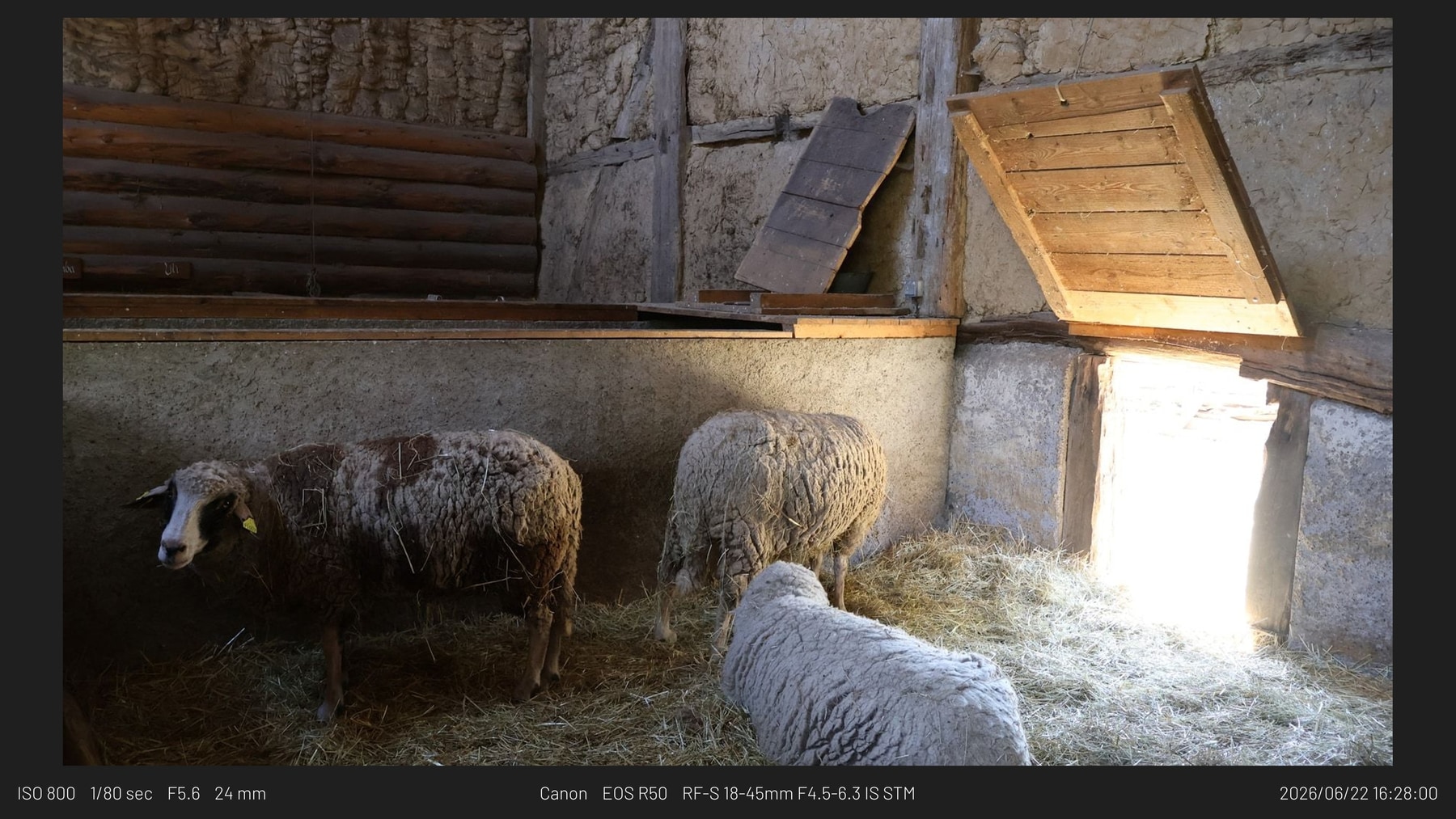
After color and crop, photographers still add borders, type camera settings, resize for each channel, and place logos by hand. Framemodu moves those repeat jobs into a reusable export preset.
Frame layouts render during export.
Caption text comes from Lightroom metadata or fallback readers.
Aspect presets cover social, blog, and original-ratio output.
Info Strip. Best for Instagram, gear notes, and social posts where the capture details should travel with the photograph.
Dark Gallery. Use the dark gallery treatment when the image needs a quieter, exhibition-style frame with metadata kept under control.
EXIF Caption. A clean caption style for tutorials, reviews, camera tests, and posts where viewers ask how the image was made.
Manual Logo. Use manual logo mode when EXIF brand matching is not enough, or when a set needs a controlled camera or custom mark.
Metadata Bar. A 16:9 treatment for blog images, web headers, comparison posts, and wide publishing surfaces.
Border Only. Use the minimal border when EXIF, logos, and decorative captions would compete with the image.
The frame, caption, logo, and ratio are applied during the familiar Export flow.
Apply one presentation style across a whole batch instead of rebuilding layouts photo by photo.
EXIF fields can be printed, hidden, or recovered from source/export metadata when available.
Automatic matching is there when metadata is clean; manual and custom modes cover the edge cases.
Framemodu formats exported files. Your catalog and source photos stay as they are.
Presentation themes for borders, captions, metadata bars, labels, posters, notes, and matte styles.
Camera, lens, shutter, aperture, ISO, focal length, and date display controls.
Automatic EXIF matching, manual built-in marks, custom image files, text-only output, or no logo.
Apply one finish across selected Lightroom Classic exports through the standard Export dialog.
No. Presets change the photo edit. Framemodu formats exported files with borders, captions, logos, and output ratios.
Use the Download page for the current platform installer and installation path, or contact [email protected] if you need help getting set up.
You can, but that repeats the same layout work after every export. Framemodu keeps the finishing step inside Lightroom Classic.
No. Framemodu works on exported files. Your Lightroom catalog and source images stay untouched.
Yes. It is implemented as an export filter, so a gallery or client preview can use one finishing system across a batch.
No. Normal export rendering runs locally on exported files. Your Lightroom catalog and source images stay on your machine.
Trial Mode exports the default Info Strip template without a watermark. Full Mode unlocks all templates, theme options, logo modes, and ratio controls.
Yes. Use Deactivate this computer before replacing a machine. If an old device is no longer available, contact support with purchase email and license key details.