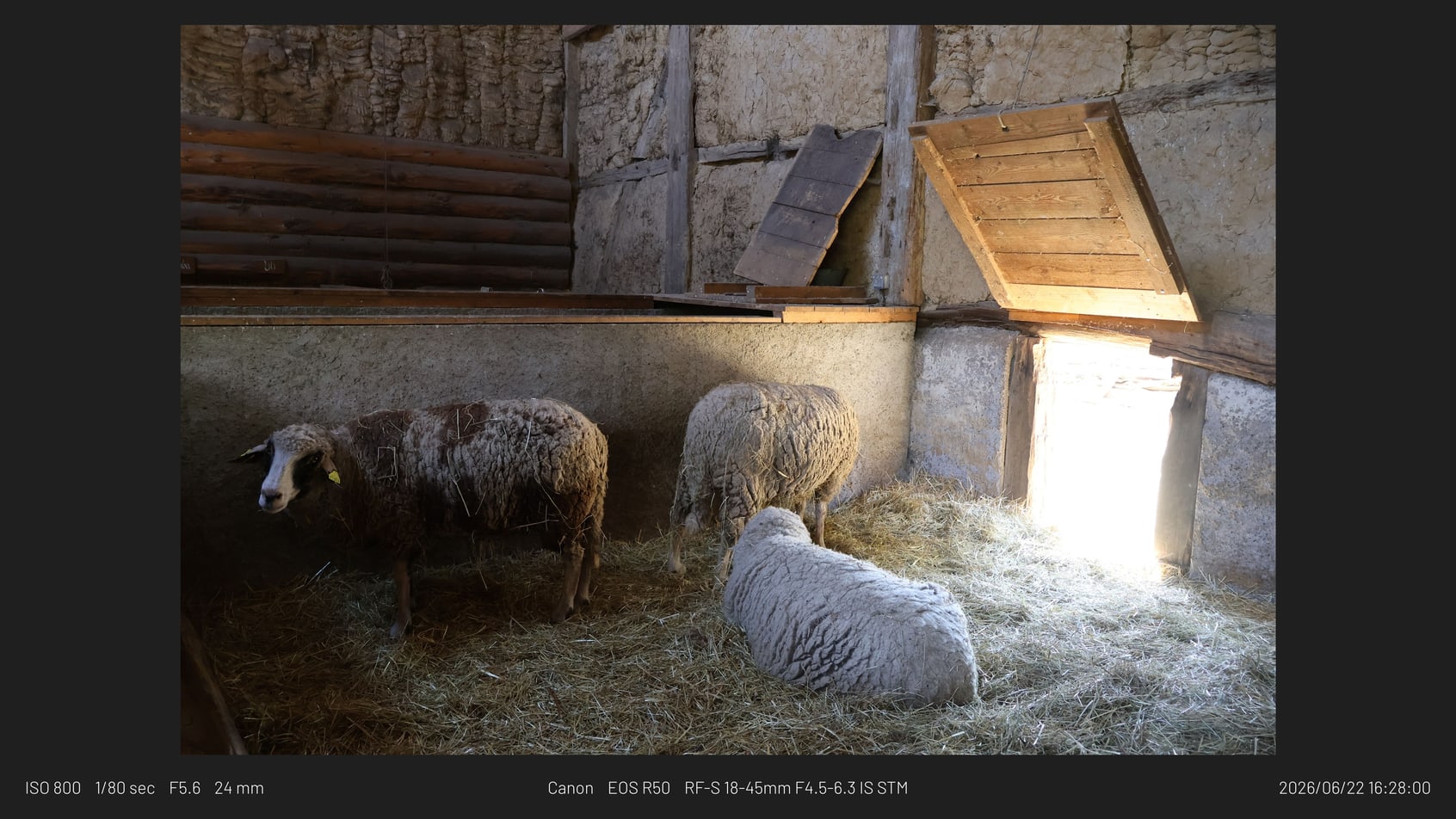
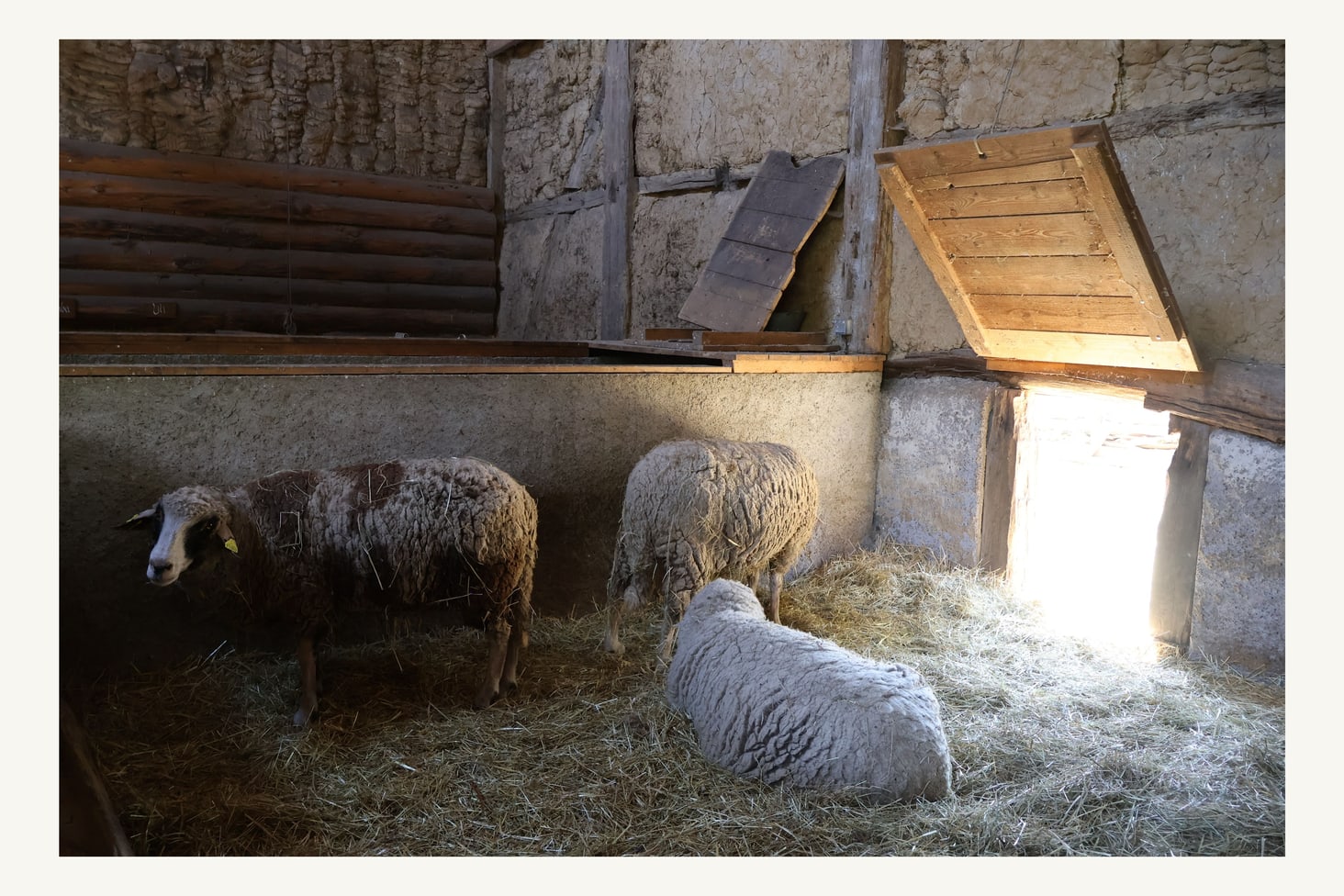
Minimal border sample
A quiet frame with metadata and logo display disabled.
Framemodu
Prepare print-style bordered exports from Lightroom Classic when a photograph needs visual breathing room before client proofing, portfolio review, or print decisions.
Lightroom Print is a print workflow. Framemodu is an export workflow. Use Framemodu when you need a bordered JPEG or web file that can be shared, proofed, archived, or posted before any final print layout.
Print-border exports help when reviewing image spacing, showing a framed presentation to a client, building proof sheets for conversation, or posting work where a margin improves legibility.
Framemodu does not replace color-managed print proofing, paper profile decisions, printer margins, or final lab specifications. It creates finished export files with a presentation border.
Start with a minimal border or gallery treatment, keep EXIF hidden for pure presentation, and export one representative image before saving the preset for a set.
Download static JPG examples to inspect frame density, caption placement, ratio, and logo treatment before testing your own Lightroom export.
A quiet frame with metadata and logo display disabled.
A gallery-style framed export for low-key images.
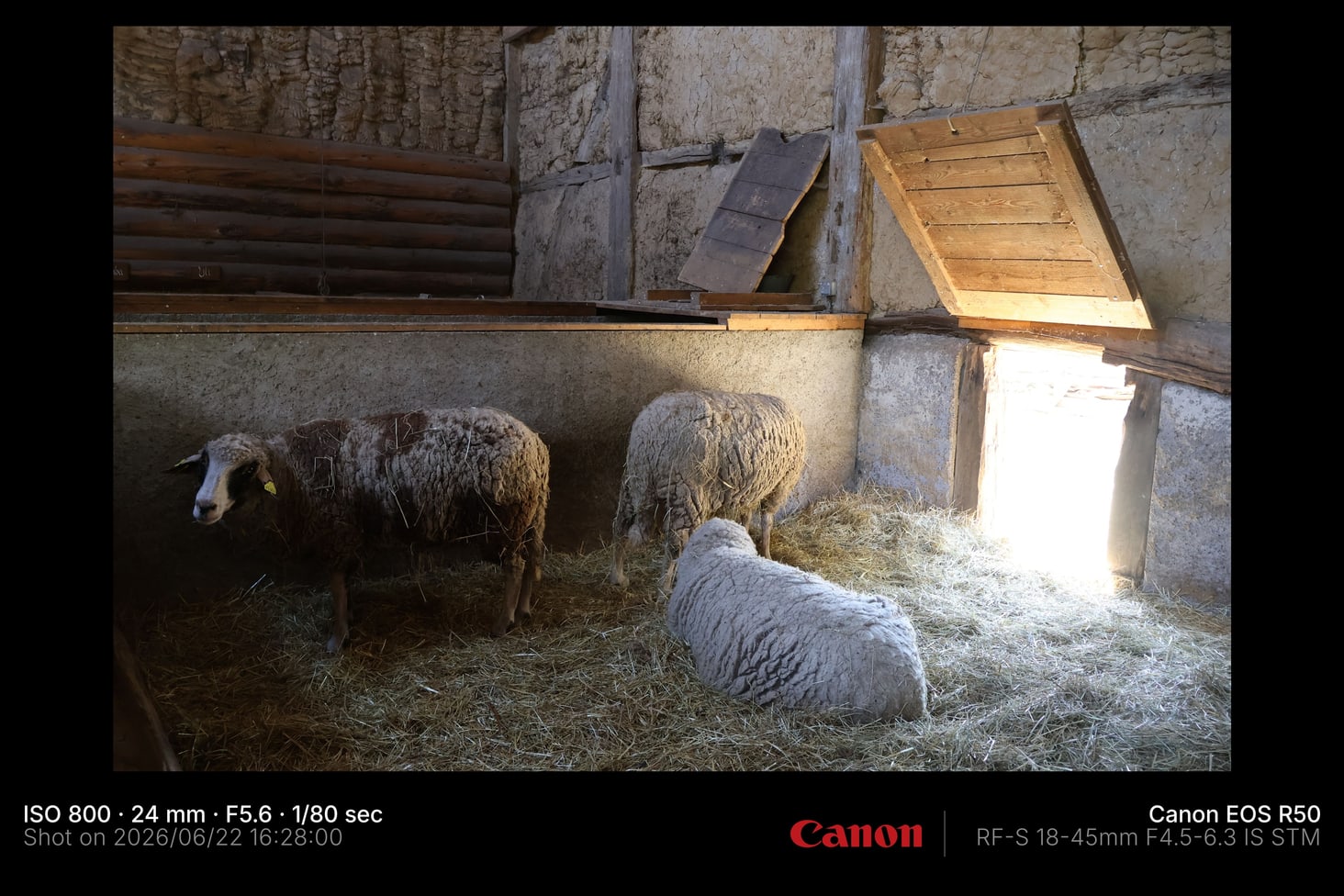
A wide export with presentation treatment.