16:9 web export sample
A finished web-ready ratio without opening a second layout app.
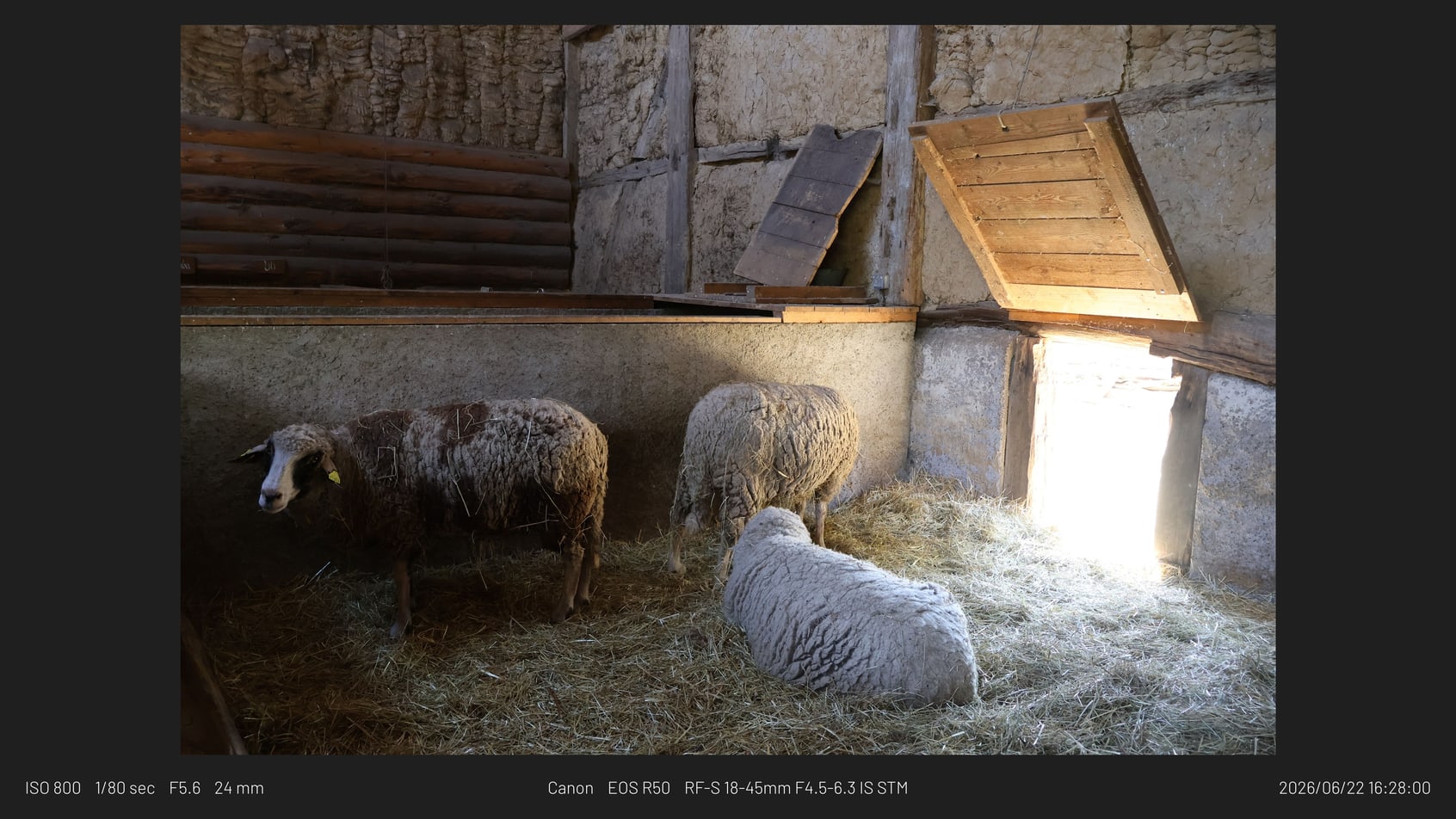
Framemodu
Choose the right finishing workflow for framed photo exports: a pixel editor, a layout app, or a Lightroom Classic export filter like Framemodu.
Use Photoshop for deep image edits, Canva for campaign layouts, and Framemodu when the repeat job is turning Lightroom exports into consistently framed finished files.
Photoshop is best when the image itself needs retouching, compositing, masking, advanced typography, or custom one-off design work. If every photo needs individual art direction, a dedicated editor is still the right place.
Canva is useful for branded campaigns, multi-element graphics, thumbnails, posters, and social templates that combine photos with marketing copy or design assets beyond the photo export itself.
Framemodu is faster when the finish is repeatable and tied to Lightroom selection: frames, EXIF captions, camera marks, custom logos, and fixed ratios applied to one file or a batch during Export.
External apps usually turn a batch into separate layout work. Framemodu lets Lightroom handle selection and export settings, then applies the same presentation finish to the exported copies. That is the practical conversion advantage.
Use Framemodu for repeat export presentation, then reserve Photoshop or Canva for the few hero images that need special design treatment. This keeps routine delivery fast without blocking creative one-off work.
Download static JPG examples to inspect frame density, caption placement, ratio, and logo treatment before testing your own Lightroom export.
A finished web-ready ratio without opening a second layout app.
A square export with manual logo selection for social use.
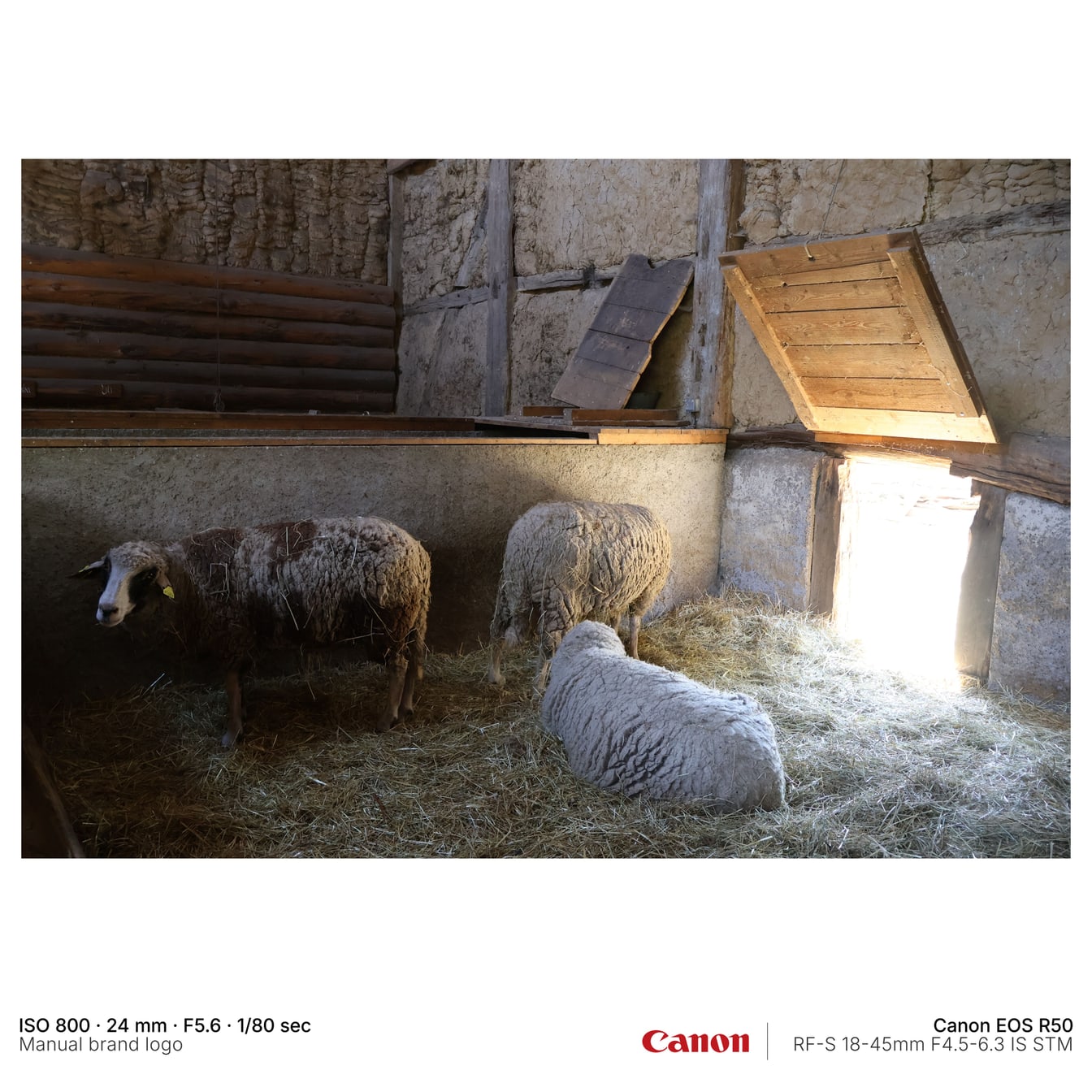
A simple before-and-after style frame treatment.
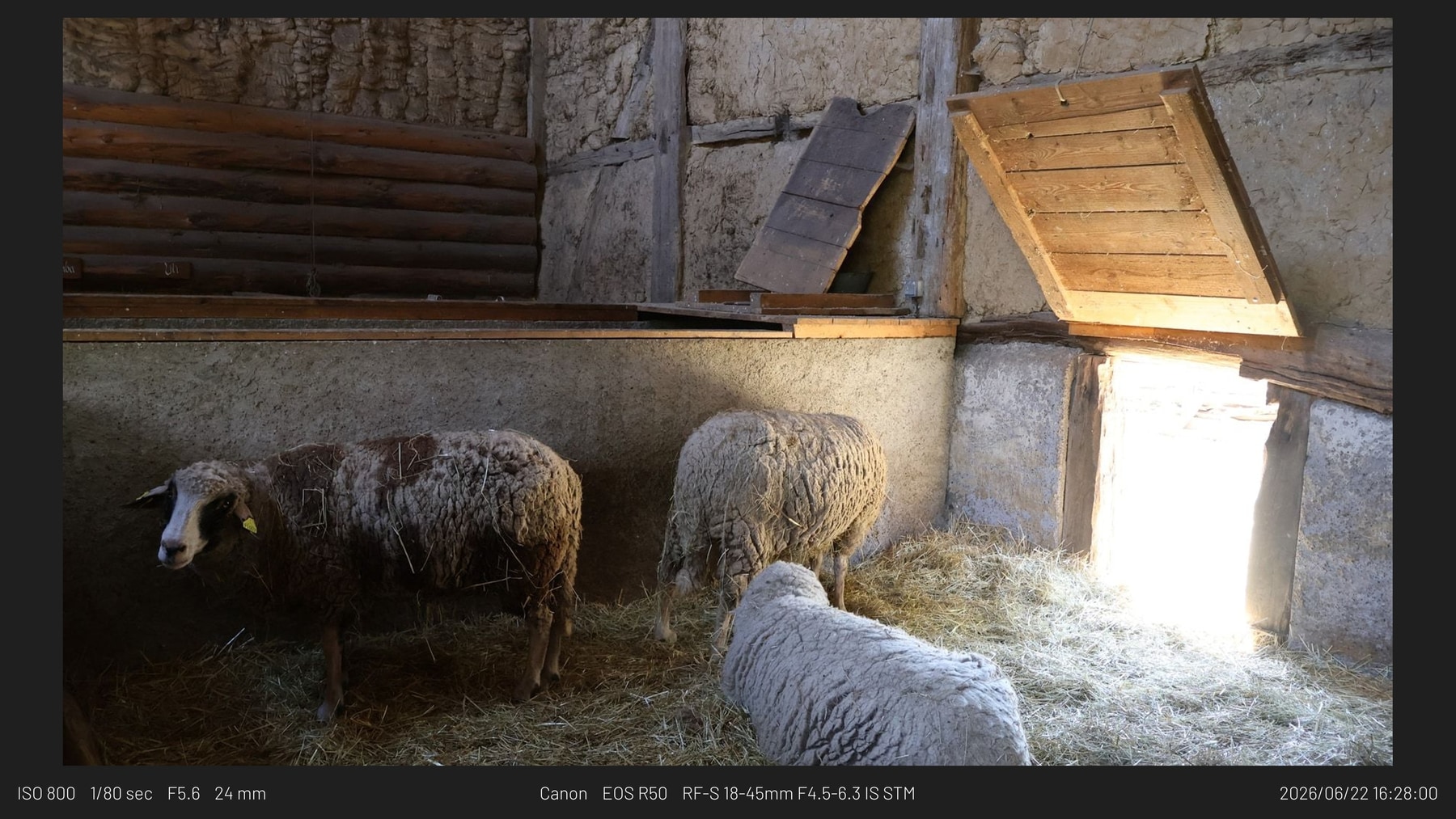
Use Photoshop for custom one-off image work. Use Framemodu when the same border or frame style should apply during Lightroom Export.
Use Canva for designed posts with copy and multiple graphic elements. Use Framemodu for repeat photo export formats such as square, vertical, or wide framed images.
No. It is an export finishing tool, not a pixel editor or campaign design platform.
Export one Lightroom photo normally, export the same photo with Framemodu, and compare whether the framed result covers your routine publishing need.