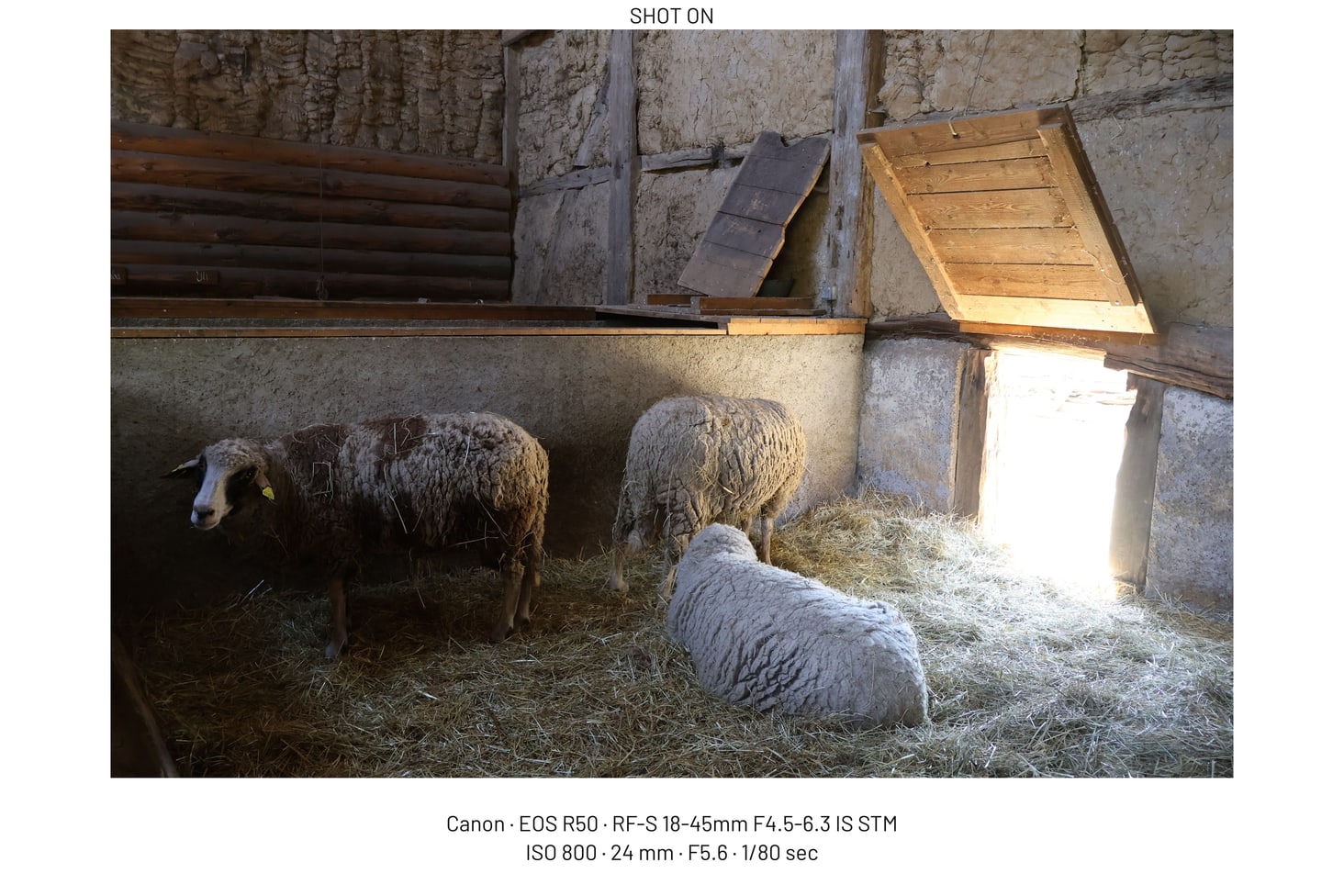
Two-line EXIF caption sample
Camera, lens, ISO, focal length, aperture, and shutter printed below the photo.
Framemodu
Print camera, lens, date, aperture, shutter speed, ISO, focal length, and brand details on Lightroom Classic exports without retyping them for every image.
An EXIF caption export is a finished photo file that includes selected capture details as visible text. It is useful for gear notes, review images, tutorials, camera tests, portfolio context, and social posts where viewers ask how an image was made.
Framemodu can show camera maker, camera body, lens, date, focal length, ISO, shutter, aperture, and selected label fields when the source metadata is available. The exact output depends on what Lightroom and fallback metadata readers can see in the exported file.
Check the source metadata before the batch, then run one test file with the same export settings. If a field is missing or needs cleaner wording, use the override controls in Framemodu rather than editing the source image metadata for presentation only.
Use EXIF Caption for a clean bottom line, Info Strip for a stronger framed layout, Metadata Bar for wide website assets, and Shot Line or Shot Stack when exposure details should read like a compact technical note.
Normal Framemodu rendering runs locally on exported files. The plug-in does not upload your photos during the standard export workflow. The visible caption is only the metadata you choose to print into the exported JPG.
Open the finished file at real size before posting. Check text legibility, line length, capitalization, brand mark, contrast, and whether the caption competes with the photo. Use a simpler template when the image already contains important lower-edge detail.
Download static JPG examples to inspect frame density, caption placement, ratio, and logo treatment before testing your own Lightroom export.
Camera, lens, ISO, focal length, aperture, and shutter printed below the photo.
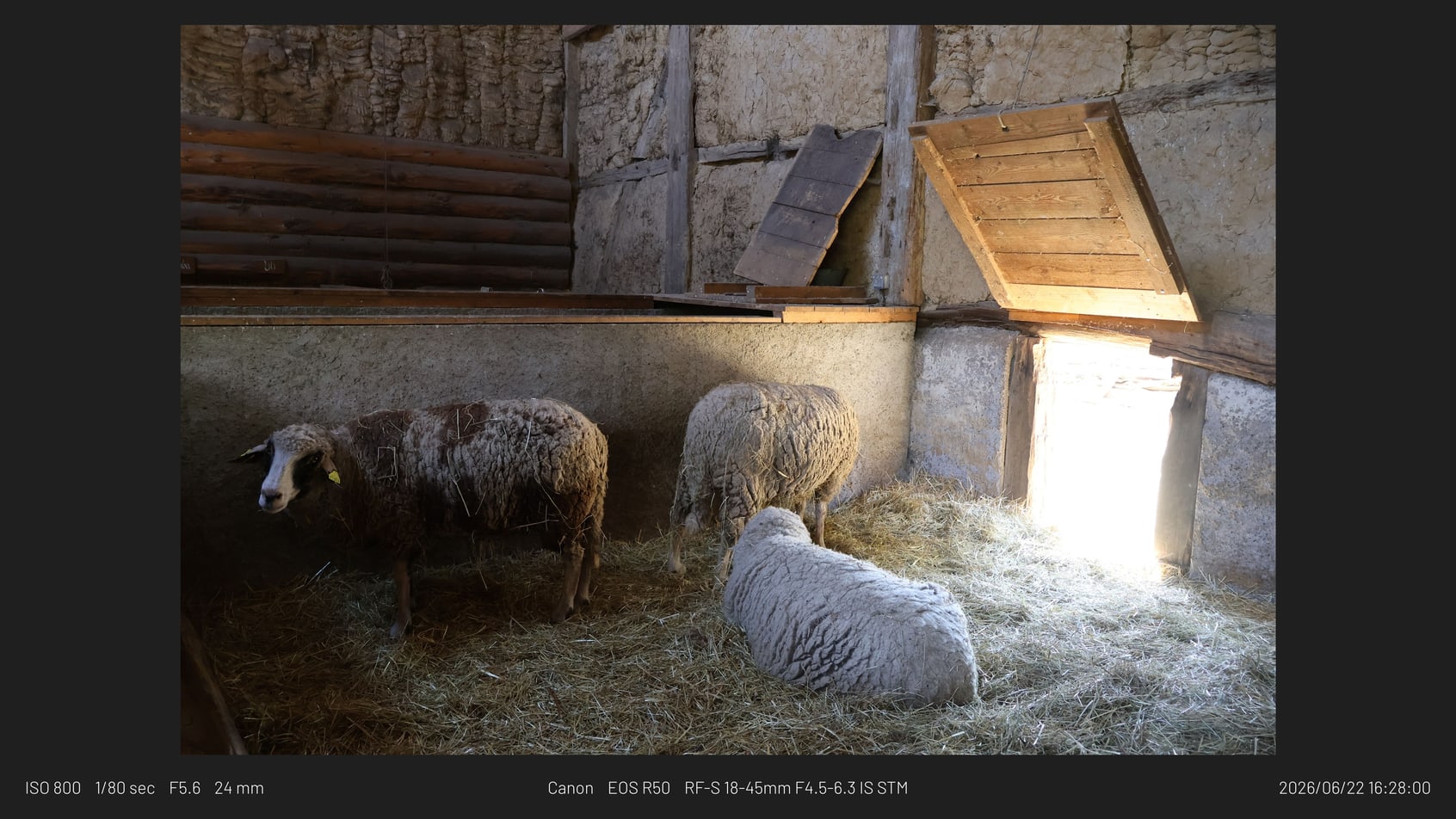
Wide web export with dark metadata treatment.
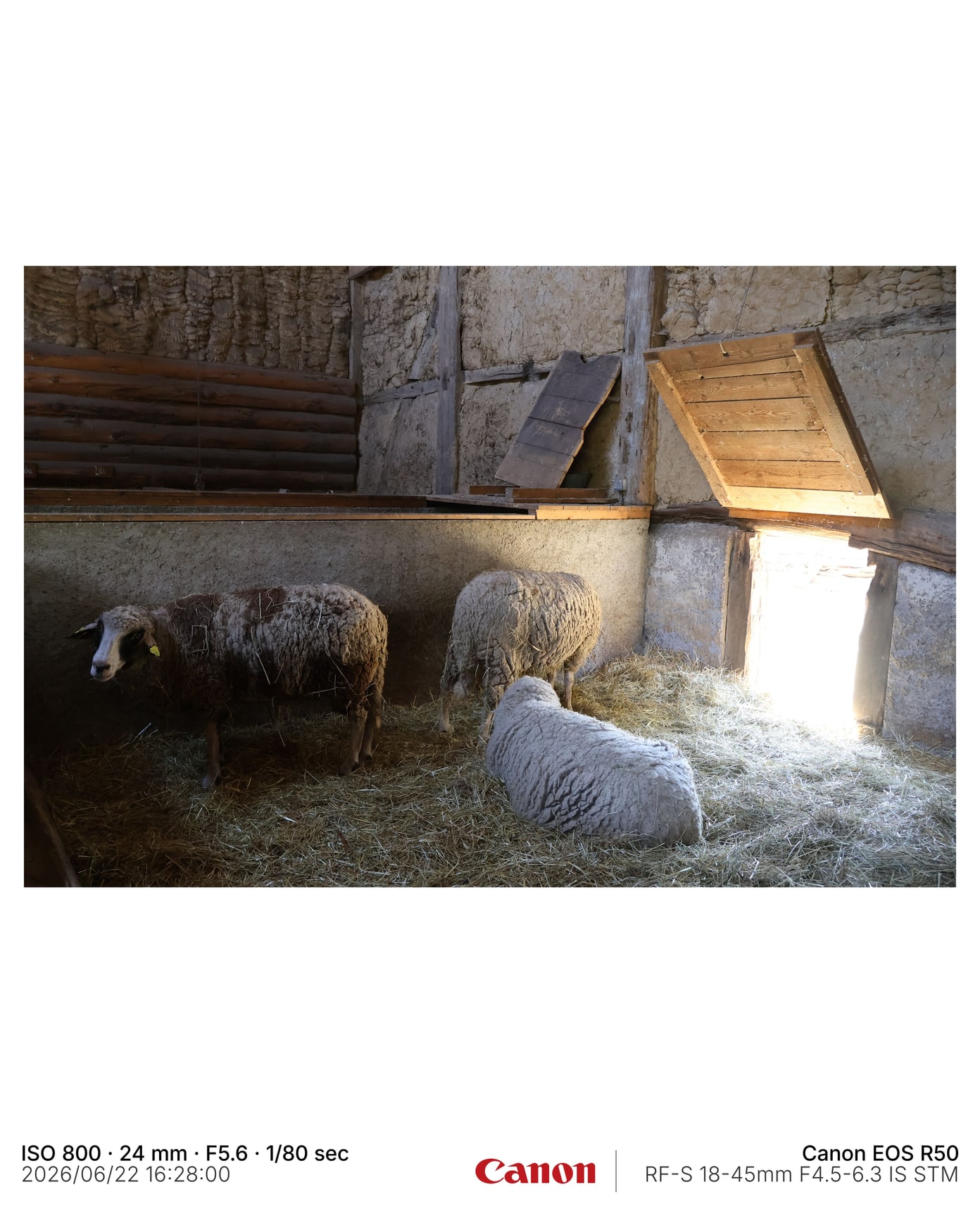
4:5 framed export with visible capture details and brand mark.
Yes. It can print selected EXIF fields such as camera, lens, ISO, aperture, shutter speed, focal length, and date when the metadata is available.
Use the source file metadata check first, then try Framemodu override fields or hide the missing field for that export preset.
No. Normal export rendering runs locally on exported files.
Yes. Use the metadata display controls to show only the fields that should become visible in the final file.