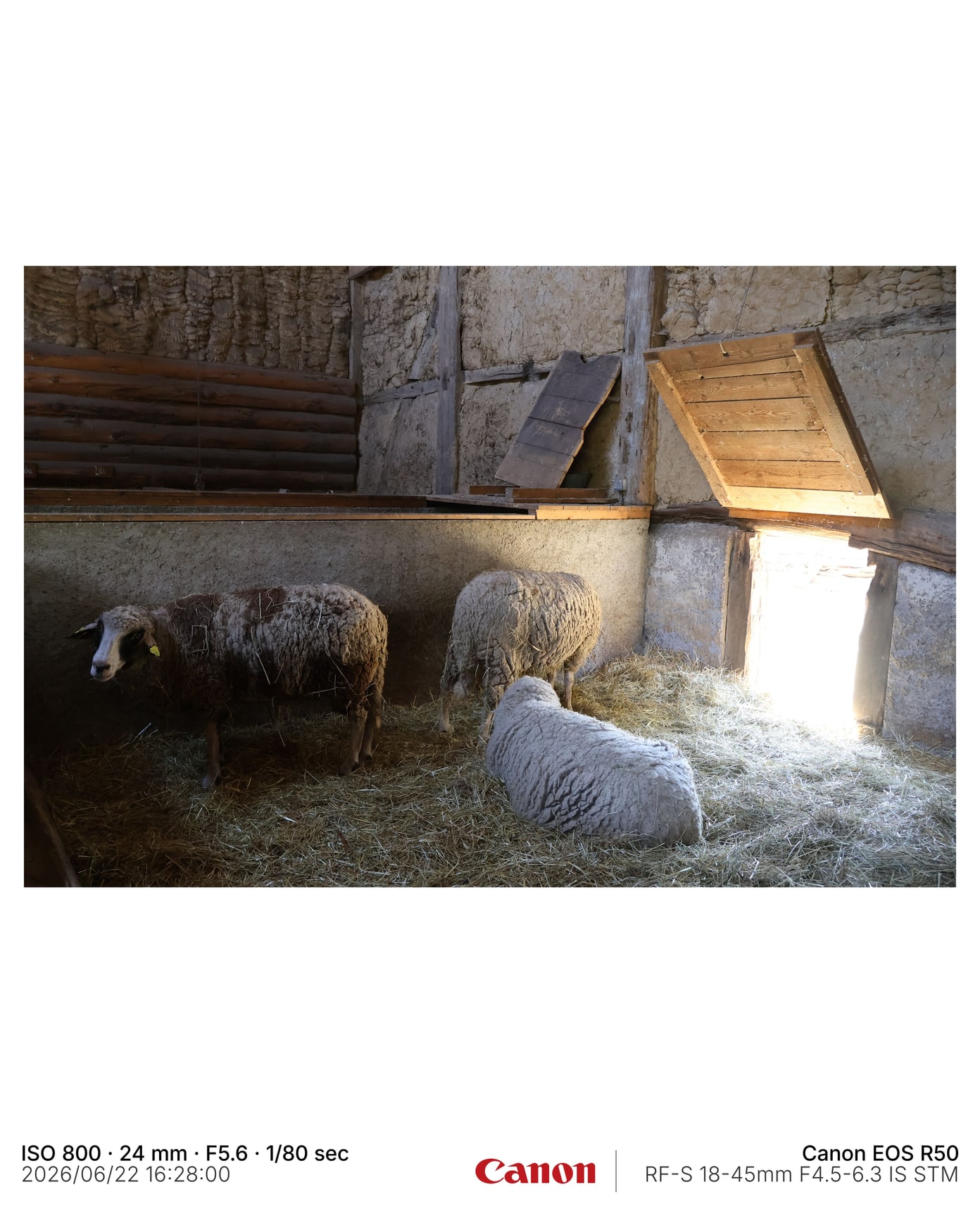
Info Strip trial sample
A practical first output to compare against a plain Lightroom export.
Framemodu
Use Framemodu as a Lightroom Classic export plugin for frames, EXIF captions, camera logos, custom marks, output ratios, and repeat batch presentation.
Framemodu adds the presentation layer after Lightroom writes the exported copy. The source photo and catalog edits stay untouched, while the exported file receives the selected frame, caption, logo, and canvas treatment.
Use it for portfolio updates, client previews, social batches, blog images, gear review samples, and repeat delivery files where the visual finish should be consistent across many photos.
Trial Mode is intentionally narrow: export the default Info Strip without a watermark, verify the install path, and decide whether the workflow saves enough post-export layout work before buying Personal or Pro.
Photoshop and Canva remain better for complex one-off design. Framemodu is better when the job is repeated export finishing from Lightroom Classic.
Download static JPG examples to inspect frame density, caption placement, ratio, and logo treatment before testing your own Lightroom export.
A practical first output to compare against a plain Lightroom export.
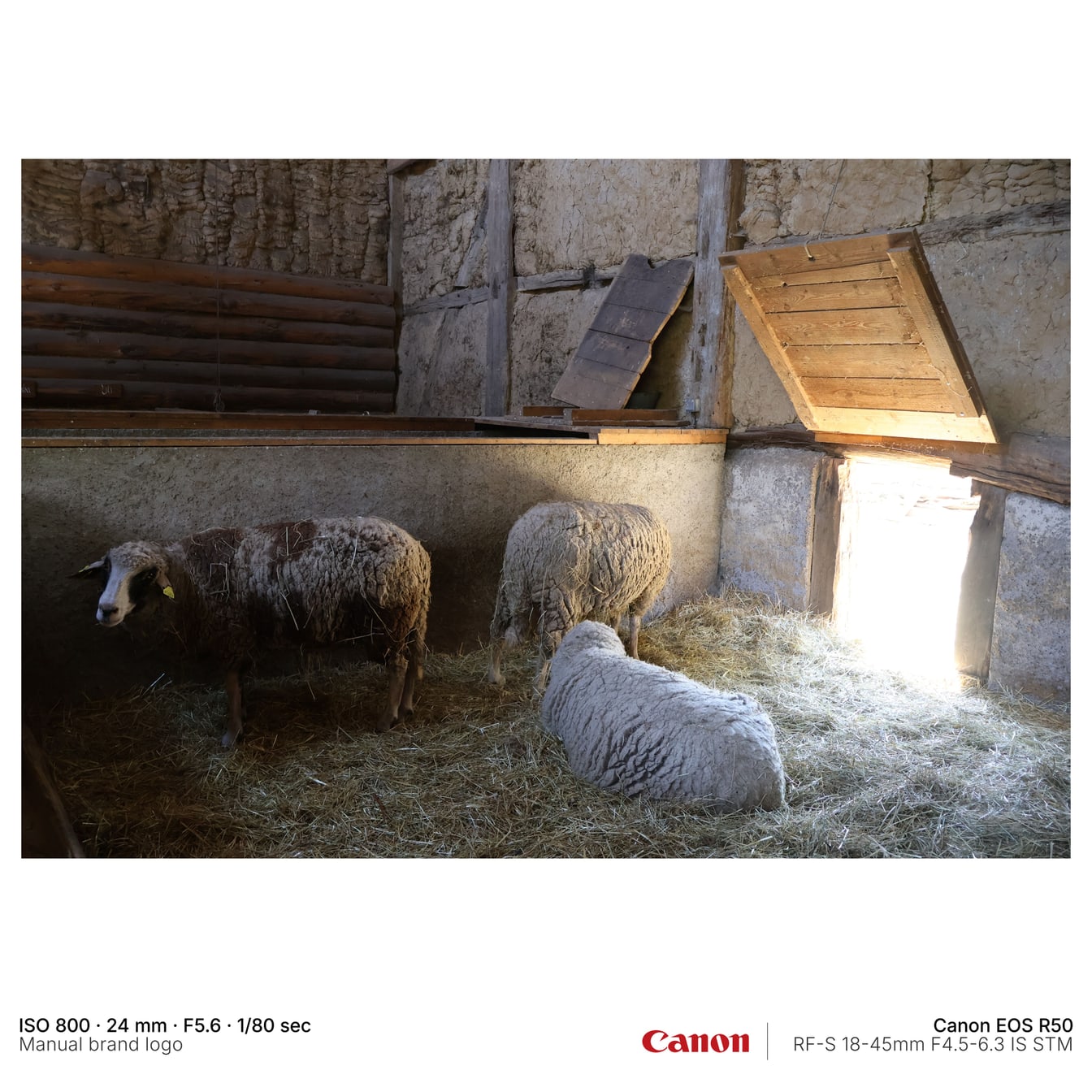
Square output with manual brand logo handling.
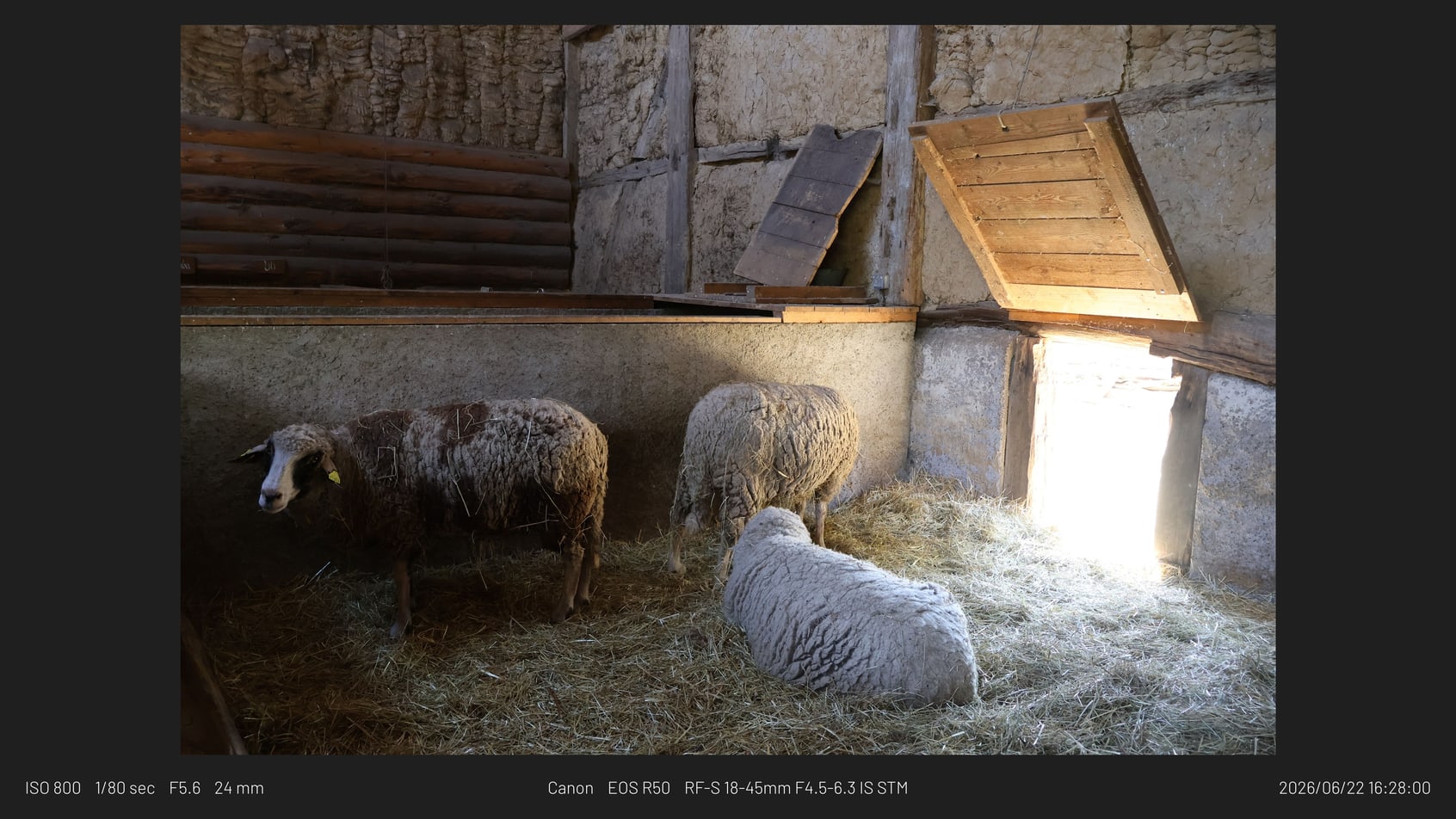
A wide metadata-bar export for website and article use.
No. It extends the standard Export dialog as a post-process export filter.
No. Normal rendering runs locally on exported files.